Run the experiment, not the slideshow
Interactive physics, chemistry, biology, geography, math and astronomy simulations. Project them in class or record them for lesson videos.
Choose a subject
Physics
Mechanics, electricity, optics and heat
Chemistry
Matter, reactions, solutions and electrochemistry
Biology
Cells, the human body, genetics and ecology
Geography
Earth, climate, landforms and environment
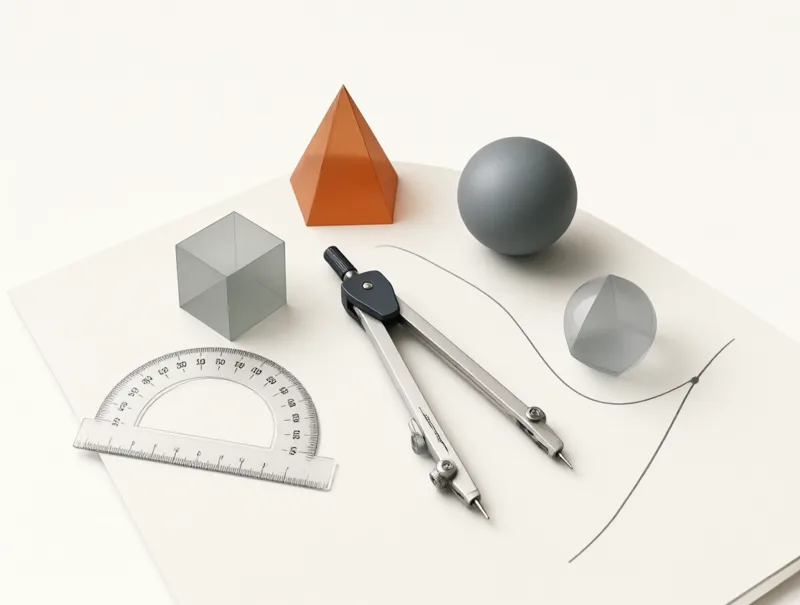
Mathematics
Functions, geometry, statistics and probability
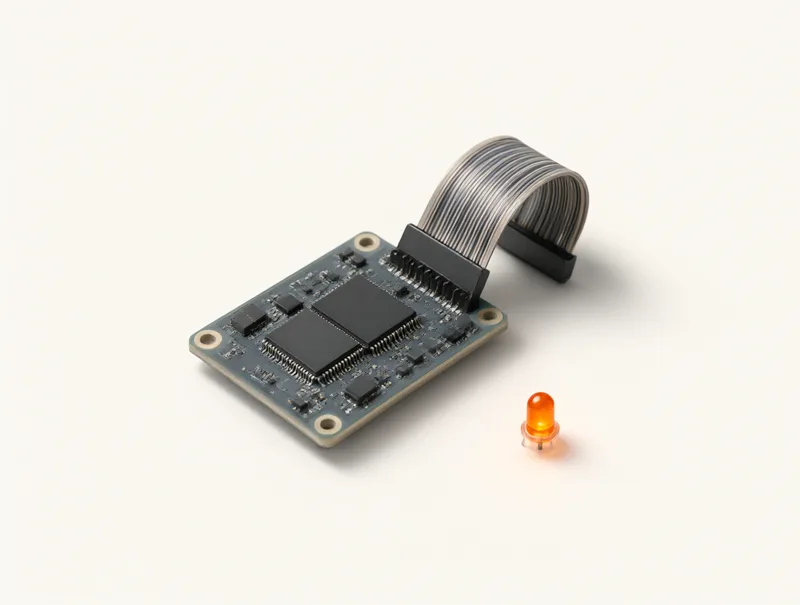
Computer Science
Algorithms, data, logic and how computers work
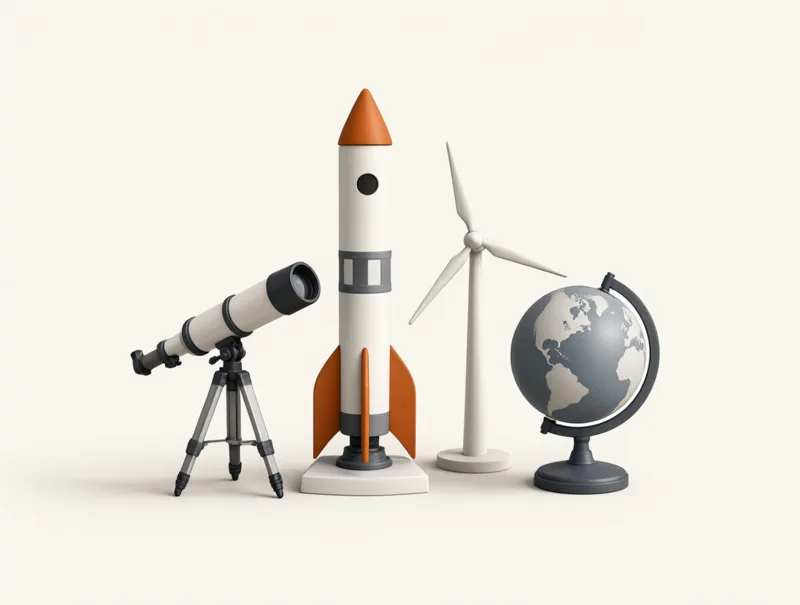
Interdisciplinary
Astronomy, engineering and environmental science
Show what a diagram cannot
A textbook figure shows one moment. A simulation lets the whole class watch a variable change, a graph being drawn and an outcome that follows from the model, and then try again with different numbers.
Each lab is one focused experiment with a teaching page beside it: learning objectives, a step-by-step activity, the key formulas, the assumptions of the model, discussion questions and answers to common questions.
- 1
Ask a question
Start with something the class can argue about: does a heavier pendulum swing faster than a light one?
- 2
Let them predict
Students write down or vote on a prediction before anything moves, so the result has something to confirm or overturn.
- 3
Run and compare
Change one variable, run the lab and compare the readouts with the predictions. Present mode makes every number readable from the back row.
- Try it with the simple pendulum
Ready for your next lesson
Every lab opens straight into the simulation. No sign-up, no install.
 Free
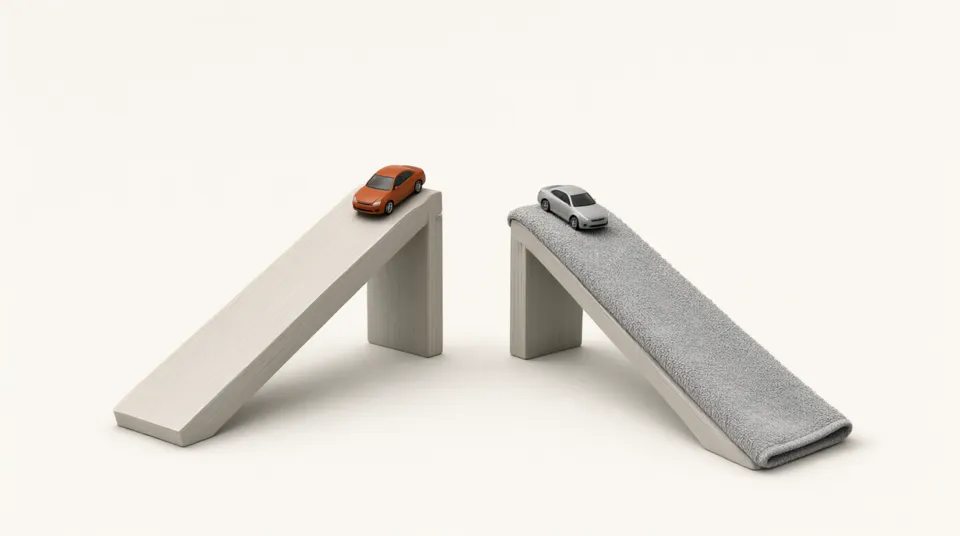
FreeRamp Race
Change the slope and surface and race toy cars
 Free
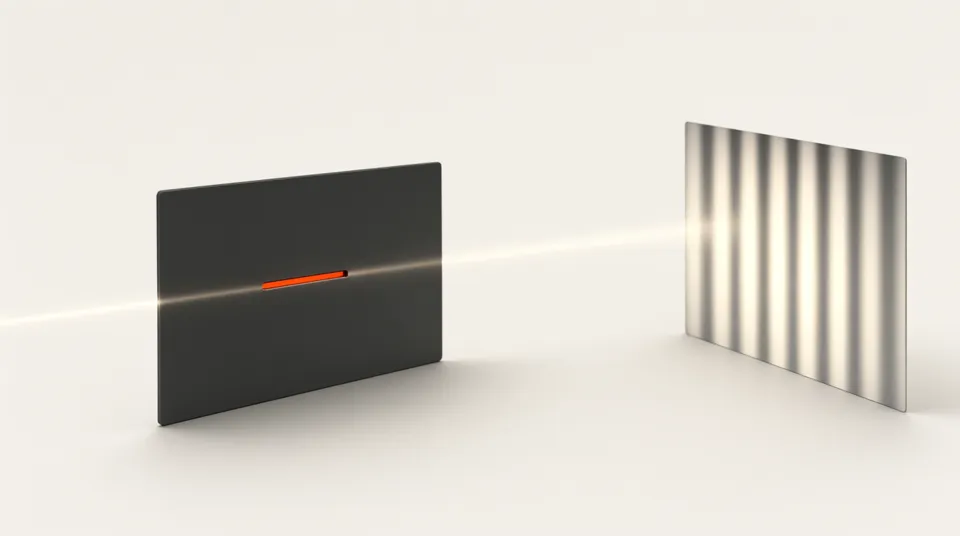
FreeDouble-Slit Interference
Adjust wavelength, slit spacing and screen distance
 Free
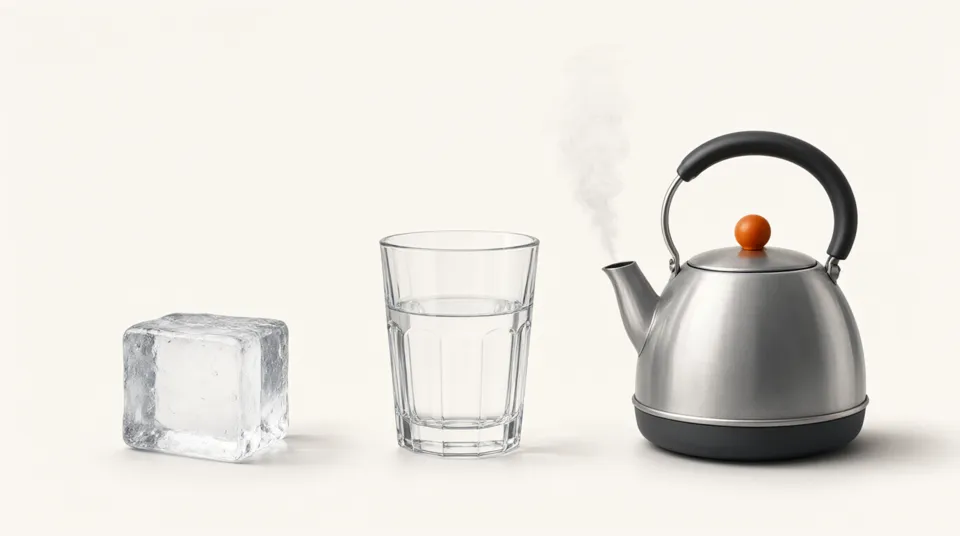
FreeSolids, Liquids and Gases
Heat and cool water and watch it change state
 Free
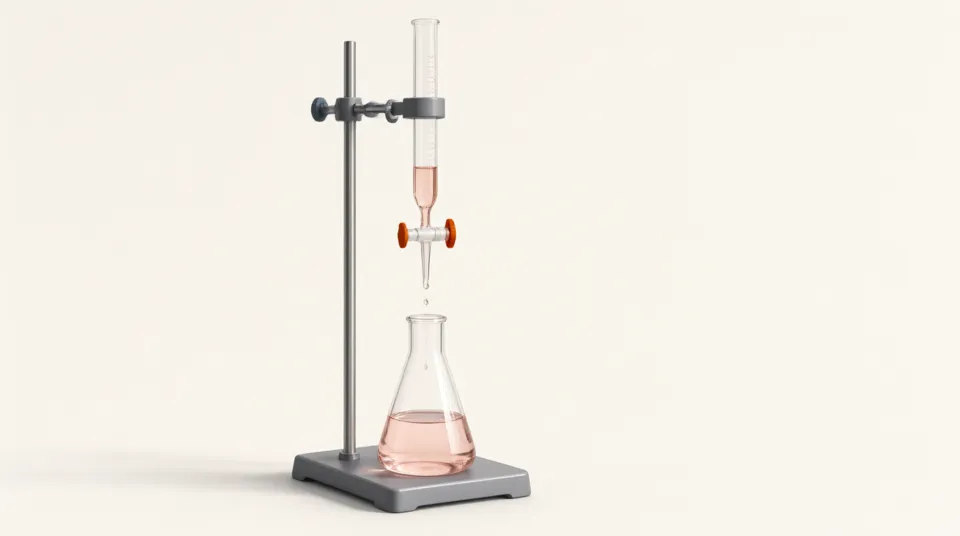
FreeAcid-Base Titration
Control the burette and plot the titration curve
 Free
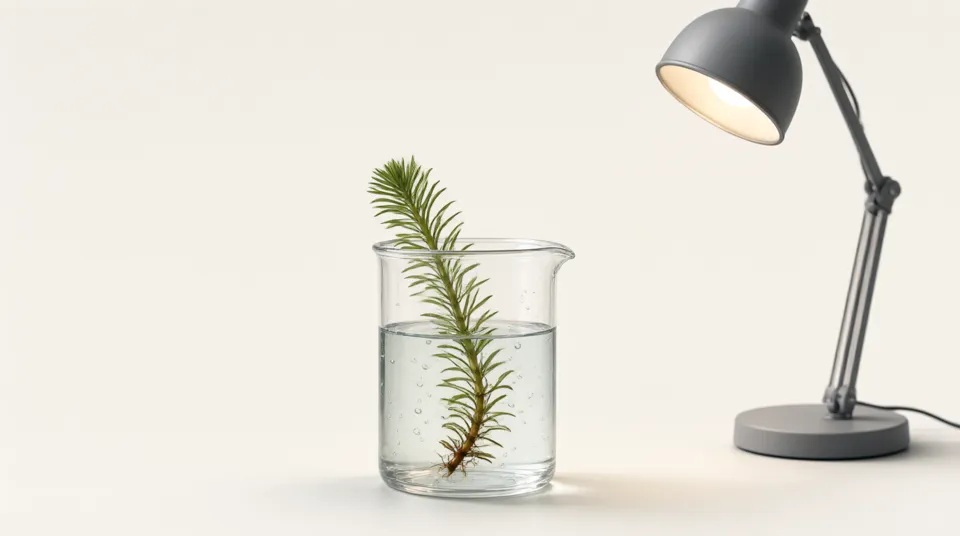
FreePhotosynthesis Rate
Adjust light, CO₂ and temperature and count the oxygen bubbles
 Free
FreeNatural Selection
Change the environment and watch traits shift
 Free
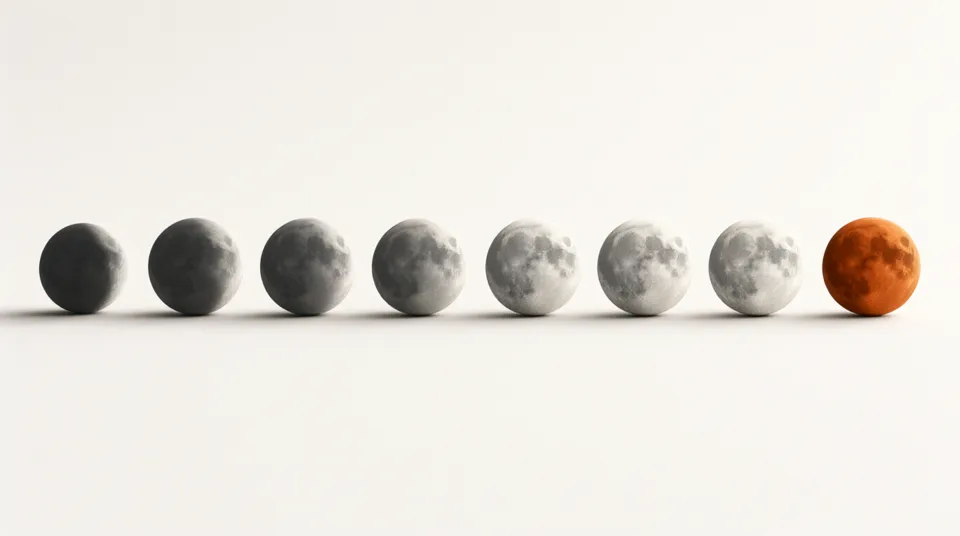
FreePhases of the Moon
Move the Moon around Earth and watch its shape change
 Free
FreeFourier Series
Build a square wave from sine waves
 Free
FreeSorting Algorithms
Watch bubble, insertion and merge sort step by step
 Free
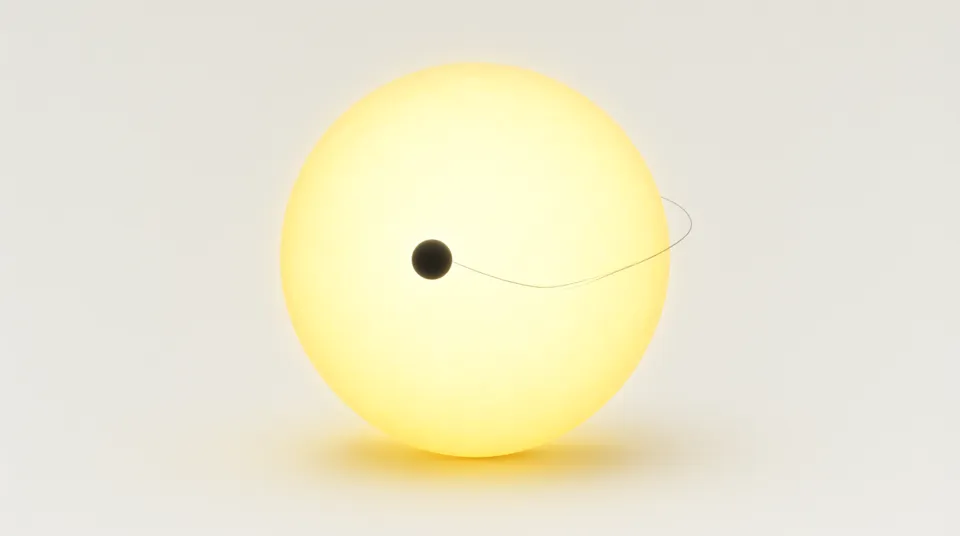
FreeExoplanet Transits
Detect a planet from a dip in starlight
From primary school to university
Topics are planned against the US (NGSS, AP), UK (GCSE, A-level), IB, Japanese, Korean and Chinese curricula, so the labs fit whichever syllabus you teach.
Primary school
Hands-on questions with simple measurements: fair tests, shadows, place value and fractions.
Middle school
First laws and models: circuits, the Moon and seasons, photosynthesis, linear graphs and binary.
High school
Quantitative work with real equations, graphs and data, matching exam syllabuses.
University
Small, exactly solvable models for linear algebra, quantum mechanics, probability and orbital mechanics.
Made for the front of the classroom
Change one variable, let the class predict, then run it. The result appears on screen in real time.
130/535labs ready, out of the full plan
Present mode
One click hides the page and enlarges the stage and numbers, ready for a projector or a screen recording.
Models you can trust
Each lab states its model and assumptions. The same settings always give the same result.
Runs anywhere
Works in any modern browser on laptops, tablets and interactive whiteboards.
Nine languages
Switch the whole lab, including every label and readout, with one menu.
Frequently asked questions
Is it free to use?
43 labs are free for everyone, with no account. A one-time pass unlocks every other simulation, and the teaching notes on every lab page are always free.
Can I record lesson videos with it?
Yes. Open a lab, press Present to fill the screen with the simulation, then record with any screen recorder.
Which curriculum does it follow?
Labs are organized by subject and by level, from primary school to university, covering core topics shared by most national curricula.
How accurate are the simulations?
Physics and math labs use the exact textbook equations. Chemistry, biology and geography labs use simplified teaching models, and each page states its assumptions.
Can I use it without an internet connection?
The labs need a connection to open. Once a lab has loaded, the simulation runs on your own device, so a slow connection does not make it lag.
Can I link a lab from my slides or learning platform?
Yes. Every lab has its own address in each language, so a link in your slides, worksheet or learning platform takes students straight to the right experiment.
May I publish lesson videos made with it?
Yes. You may record the labs and share the videos with your students or publish them online.
How often are new labs added?
New labs are released regularly. Each subject page lists everything that is planned and marks what is ready.